SSH key
When you run PMM Server as an AWS AMI instance, you can upload your public SSH key to enable SSH access for direct management and troubleshooting.
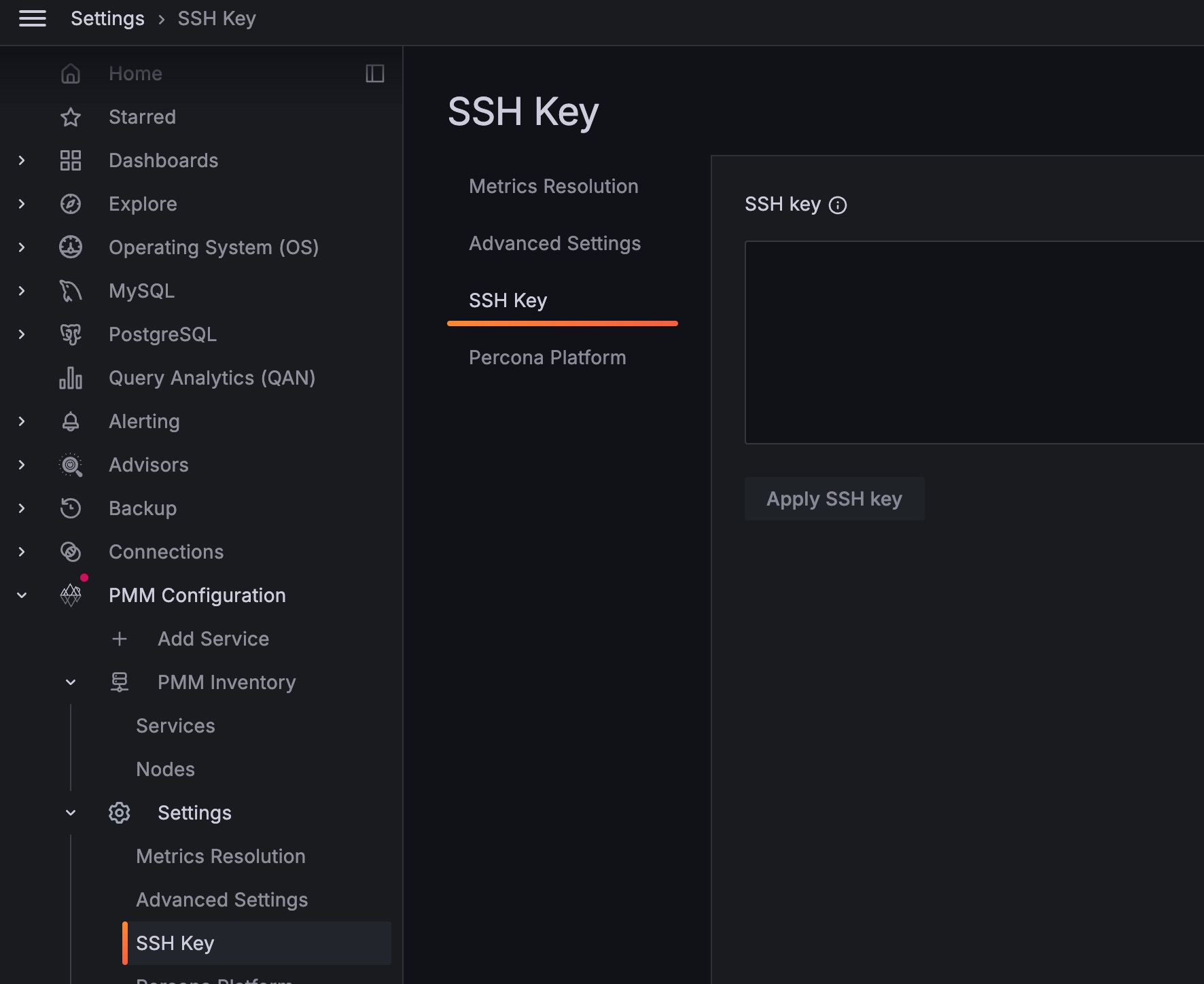
Configure SSH access
To configure SSH access:
- Go to Configuration > Settings > SSH key.
- Enter your public key in the SSH Key field.
- Click Apply changes.
Connect via SSH
Once your public key is configured, connect using the admin user:
ssh -i your-private-key admin@<pmm-server-ip>
ssh -i ~/keys/my-aws-key.pem [email protected]
If your private key is in the default location (~/.ssh/id_rsa or ~/.ssh/id_ed25519), you can omit the -i flag:
ssh admin@<pmm-server-ip>